

Download Microsoft News – news app, latest news, personalized feed, Microsoft News app, news on Windows, Microsoft News desktop
Overview
Microsoft News is an official application developed by Microsoft, designed to deliver a personalized news experience directly on the Windows operating system. The app serves as a centralized hub for users seeking timely, relevant, and diverse content across major global topics including politics, technology, sports, and entertainment. By allowing users to curate their own news feed, Microsoft News helps reduce information overload and ensures that individuals are exposed only to content aligned with their interests. This makes it particularly useful for professionals, students, and general users who want to stay informed without spending excessive time sifting through irrelevant articles.
The app functions as a digital news aggregator, pulling content from a wide range of trusted sources. It enables users to follow specific news outlets and topics, blocking unwanted sources with a simple toggle. This level of customization supports a more focused and efficient reading experience.
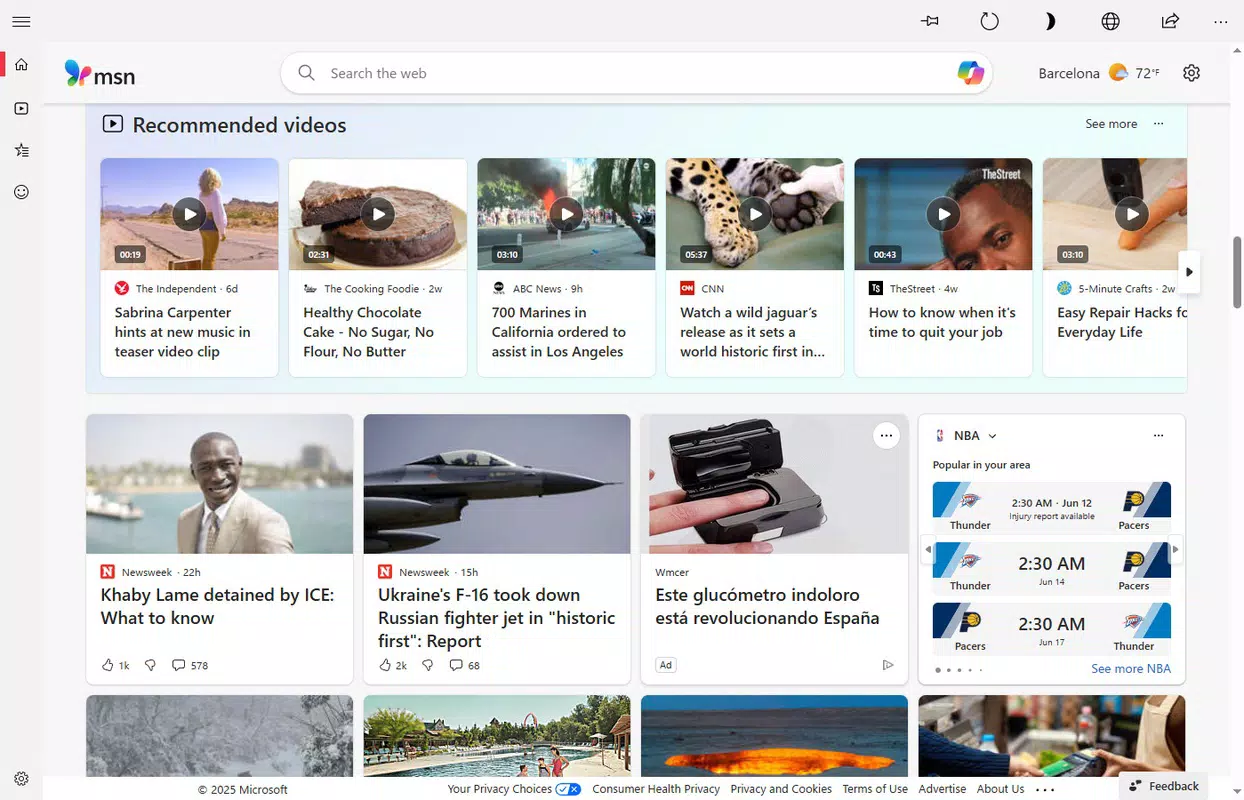
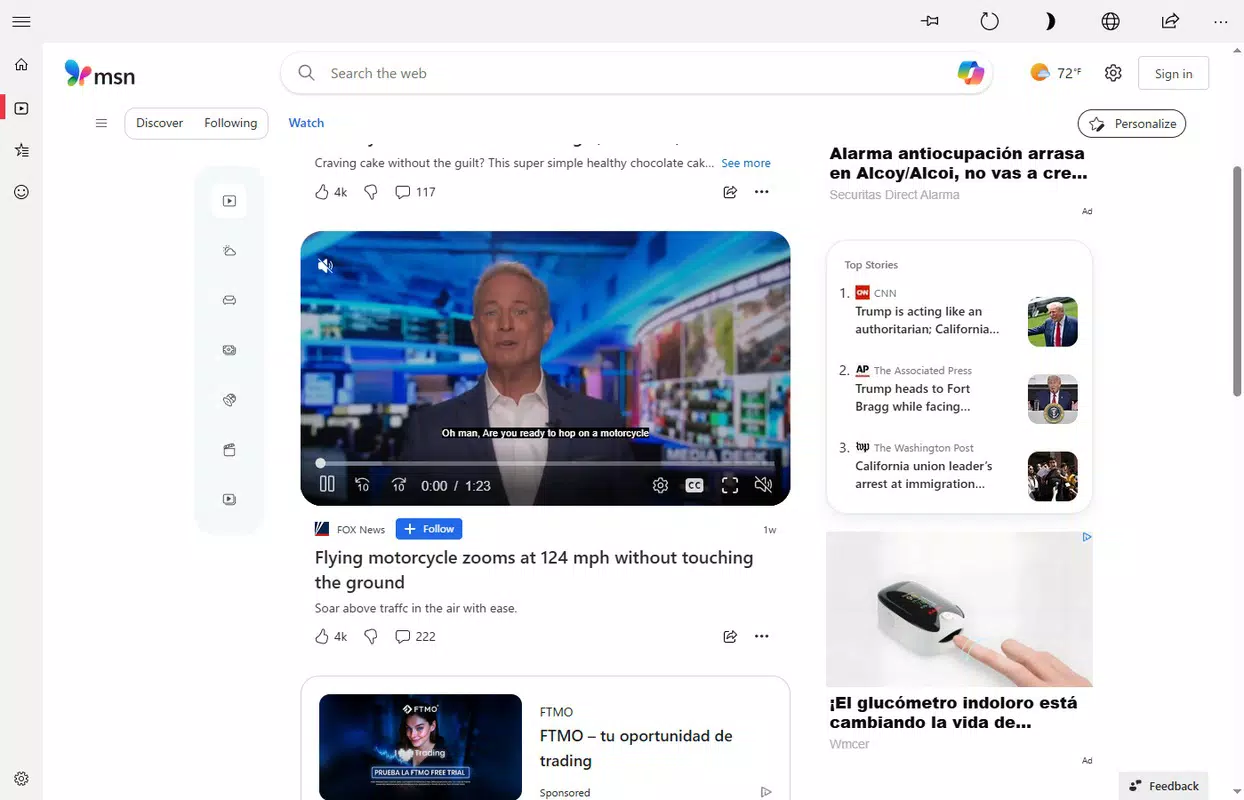
The inclusion of video content further enhances engagement, offering a multimedia approach to news consumption. Microsoft News is especially valuable in the current digital landscape, where real-time updates and personalized content are essential. It stands out in the Windows ecosystem as a reliable, official tool for staying updated with minimal effort.
Key Features & Functionality
- Customizable News Feed: Users can select preferred news sources and topics upon first launch, shaping the homepage to reflect their interests. This feature allows for a tailored experience, reducing exposure to unwanted content.
- Endless Stream of Stories: The app delivers a continuous feed of articles and updates, ensuring users never run out of fresh content. As the scroll continues, new stories appear dynamically based on user preferences.
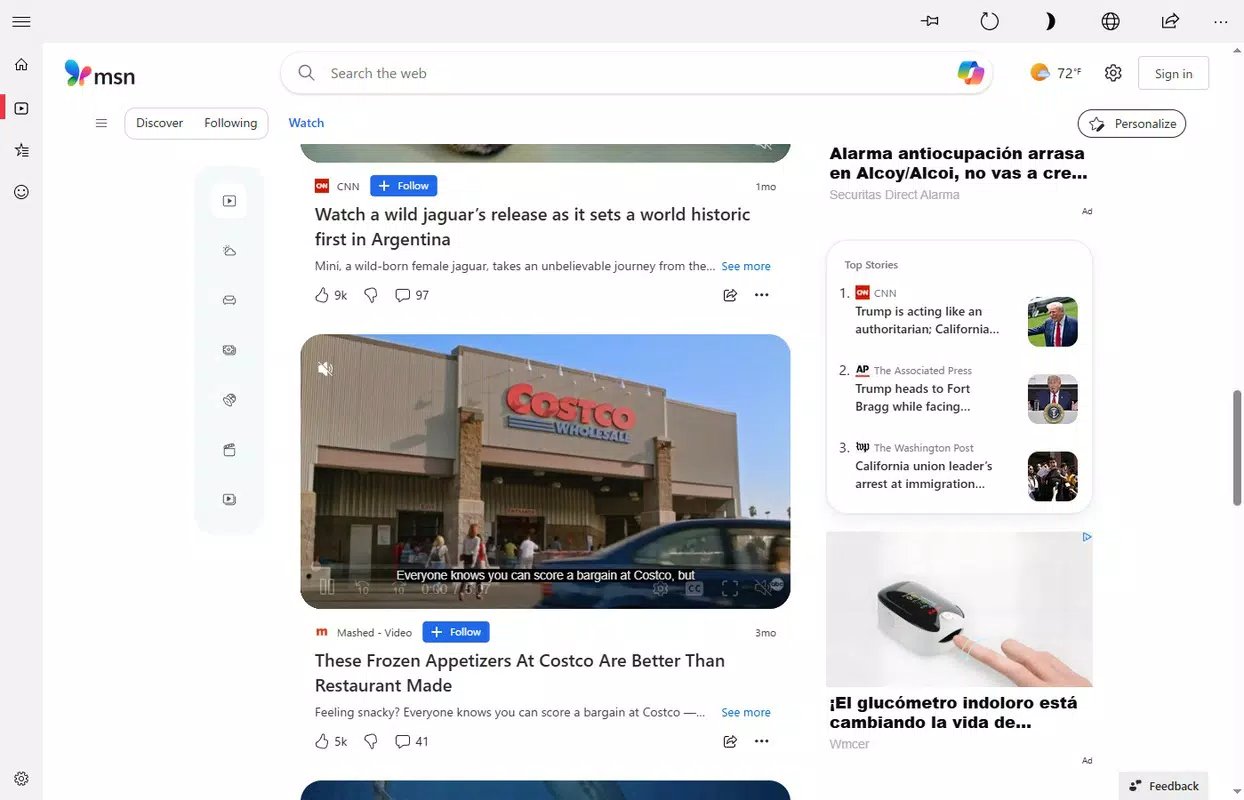
- Rich Video Content: In addition to written articles, Microsoft News includes a curated selection of video content. Users can adjust their preferences to prioritize news clips, explainers, or entertainment videos.
- One-Click Access: The app offers immediate access to the personalized feed with a single click, eliminating the need to navigate multiple websites or platforms to stay informed.
- Source Blocking: Users can disable specific news outlets they do not wish to see, helping maintain a clean and trustworthy news environment.
These features are especially beneficial in real-world scenarios such as monitoring breaking developments during work hours, preparing for discussions, or simply staying informed during leisure time. For example, a tech enthusiast can follow major industry updates from trusted outlets like The Verge or TechCrunch, while a sports fan can track live scores and highlights. The app’s design emphasizes efficiency and relevance, making it a practical tool for daily news consumption.
Interface, UX & Performance
Microsoft News features a clean, modern interface optimized for the Windows platform. The layout is centered around a vertical scrollable feed, with headlines, images, and video thumbnails displayed in a visually balanced format. Navigation is intuitive, relying on simple taps or clicks to access articles, adjust preferences, or view videos. The app maintains consistent responsiveness across different screen sizes and resolutions, ensuring a stable experience on both desktops and larger tablets.
Although the developer did not list formal performance metrics, the app’s lightweight size of 132 MB suggests efficient resource usage. Users can expect smooth scrolling and quick loading times for both text and video content. Stability appears to be a priority, as the app functions without noticeable crashes or freezes during standard use. The visual design aligns with Microsoft’s Fluent Design principles, emphasizing clarity, depth, and accessibility. While no specific details were provided about battery impact or background activity, the app is designed to operate seamlessly in the background without disrupting other tasks.
Platform Compatibility & Technical Requirements
Microsoft News is designed exclusively for the Windows platform. It is compatible with the latest versions of Windows 10 and Windows 11, ensuring broad accessibility across modern desktop systems. The app has a file size of 132 MB, which is relatively compact for a content-rich application. This size supports quick installation and minimal storage usage, making it suitable for devices with limited disk space.
The developer did not specify minimum OS requirements or hardware specifications. However, based on its design and performance profile, it is likely optimized for systems with standard processing power and at least 4 GB of RAM. Compatibility with older Windows versions was not disclosed. Users should ensure their system meets standard Windows update standards to maintain optimal functionality. The app is available for free, with no in-app purchases or subscriptions required.
Pros and Cons
Pros
- Official Microsoft-developed app with reliable content sources
- Highly customizable news feed based on user preferences
- Supports both articles and video content for diverse consumption
- Lightweight size (132 MB) with efficient resource usage
- Free to download and use with no ads or in-app purchases
Cons
- Platform limited to Windows; no availability on Android or iOS
- Specific system requirements were not disclosed
- Video playback may vary in quality depending on internet connection
- Customization options may be limited compared to third-party aggregators
- Developer did not provide details on background sync frequency or data usage
FAQ
Is Microsoft News available on mobile devices?
Microsoft News is currently designed for the Windows platform and is not available on Android or iOS devices.
Can I use Microsoft News without an internet connection?
Basic content access requires an active internet connection. Offline reading capabilities were not specified by the developer.
How often does Microsoft News update its content?
The app provides real-time updates as news breaks. The frequency of updates depends on the availability of new content from selected sources.
Is Microsoft News safe to download and use?
As an official Microsoft application, it is distributed through trusted channels and is considered secure for use on Windows systems.
Does Microsoft News collect user data?
The developer did not disclose specific data collection practices. However, as a news aggregator, it may collect usage data to personalize the feed.
Final Thoughts
Microsoft News offers a streamlined, personalized approach to staying informed on the Windows platform. Its ability to curate content based on user preferences, combined with support for both written and video content, makes it a powerful tool for daily news consumption. The app’s lightweight design and free access enhance its appeal, especially for users who value efficiency and reliability. While it is limited to Windows and lacks detailed technical disclosures, it delivers a polished experience that aligns with Microsoft’s commitment to quality.
Individuals who rely on timely updates in technology, politics, or global events will find the app particularly valuable. Whether for professional use, academic research, or personal interest, Microsoft News simplifies the process of staying up to date. Its integration with the Windows ecosystem ensures seamless access and performance.
Download Microsoft News now


